
How to make an order at Canadian Pharmacy Online
Just a few simple steps to reach new quality of life. It is easier than ever, just follow our instruction:
Step 1: Add the product to your shopping cart. To do this, choose the right product in the right dosage and packaging using one of possible ways
take a look at our Best Sellers for fast selection and click on the suitable product to choose dosage and package size. Click «Add to cart» to start placing your order.
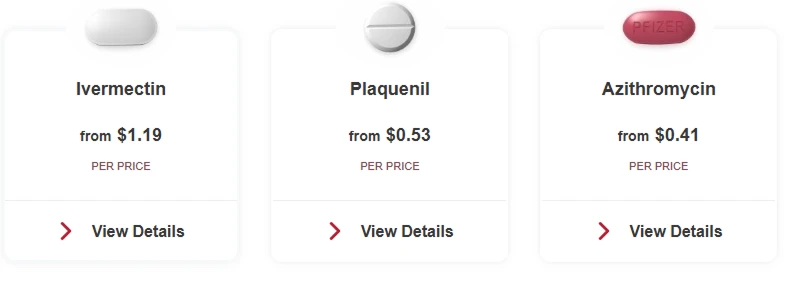
explore our Сatalog by selecting the section you are interested in. Click on the appropriate product and choose dosage and package size. Click «Add to cart» to start placing your order.
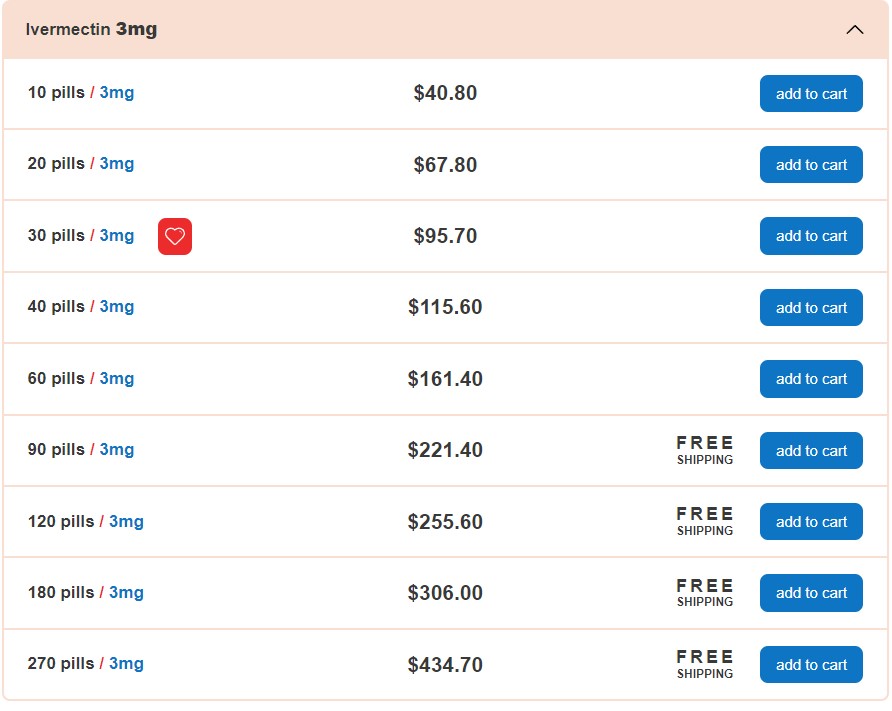
contact us using Live chat, email, or phone if you are not sure what to choose or if you have any questions. We will help you make the right choice.

Step 2: Choose your free bonus and click «Checkout»
After adding items to your cart, choose your free gift and click «Checkout». You will be redirected to a secure checkout page where you can safely complete your order. Please also make sure that international payments are enabled on your card.
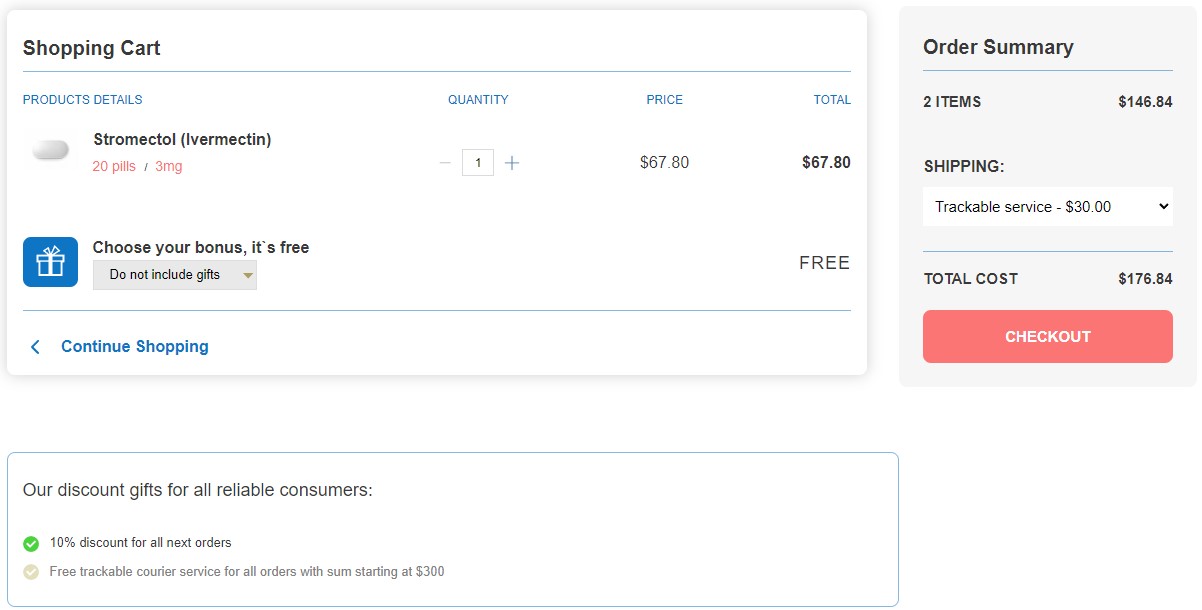
Step 3: Enter your shipping details
If you are a new customer, fill in all fields with your shipping address details. If you have ordered with us before, select «I'm an existing customer» and enter your information.
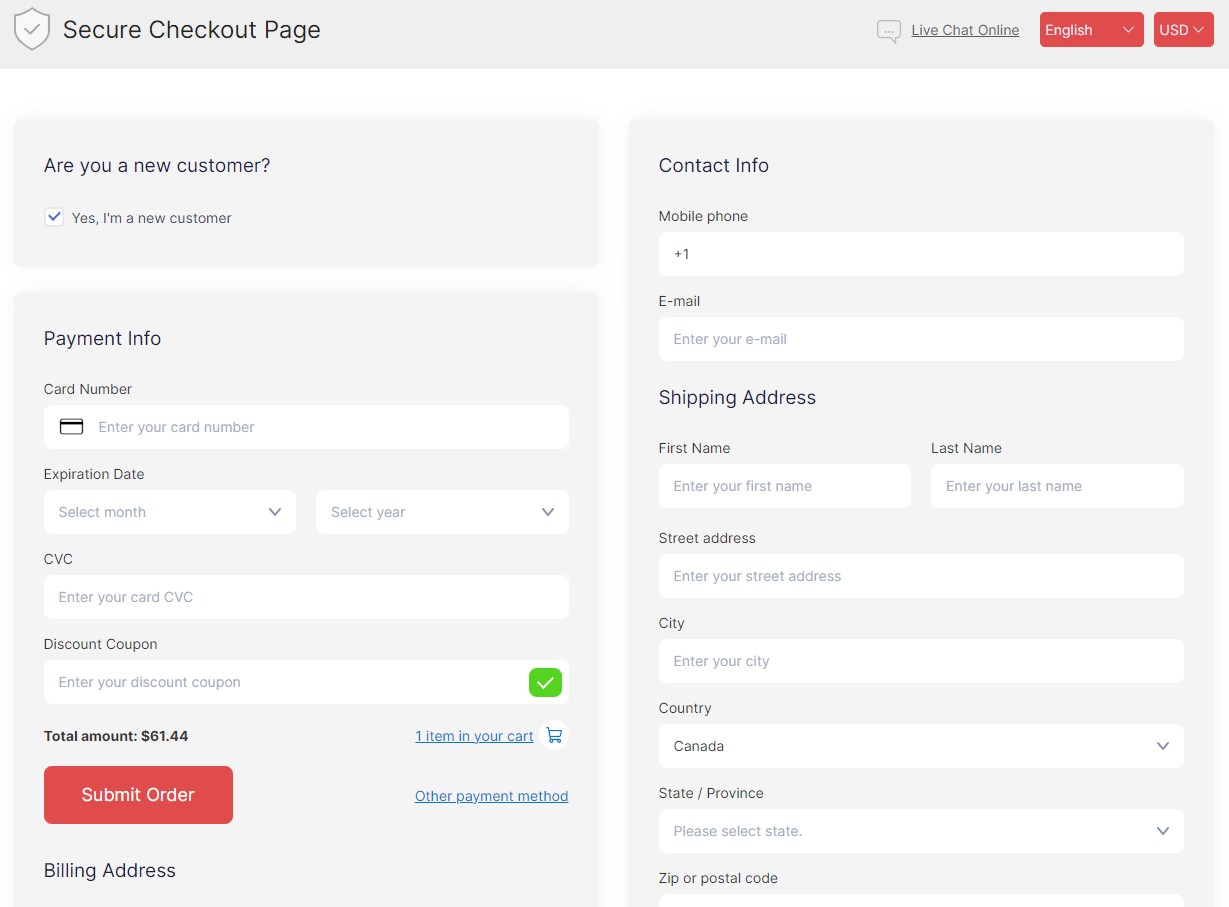
Step 4: Apply a coupon and choose delivery
If you have a discount code, enter it in the «Discount Coupon» field and click «Add». Then choose your preferred delivery method. Use CPHEALTH5 to get 5% off your first purchase.

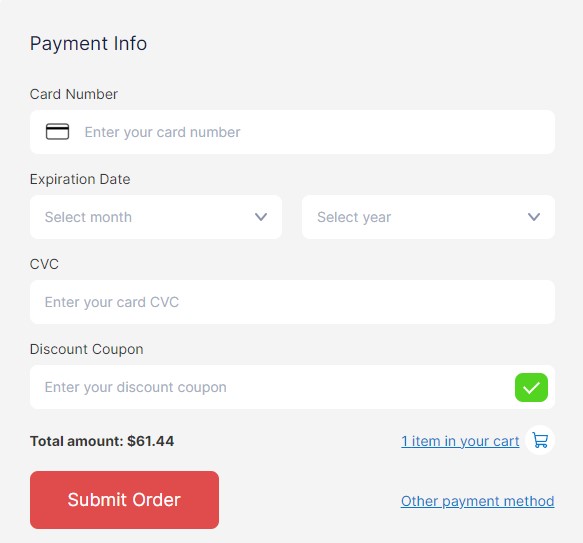
Step 5: Choose payment and submit your order
Enter your card details or choose another payment method. If needed, set up a reminder, then click «Submit Order» at the bottom of the page to complete your purchase.
We will send you a confirmation email and a tracking number of your order.
Only 5 steps to improve your life!